 Houndeye
YouTube's own label
YouTube asks creators to disclose realistic AI video, then tucks a “Made with AI” note into the description where almost nobody looks. Houndeye reads it and puts it on the thumbnail, before you click.
Free for Chrome, Microsoft Edge and Firefox
Houndeye adds a badge to AI-made videos found on YouTube and X. It also provides the specific reason for that flag. You can choose to blur these clips, hide them from view, or simply watch out for them.
No account. No ads. Nothing to pay.

Built by Houndeye · free
Labels and votes only work after someone has already seen the video. Deep check does not wait for that to happen. The detector inside Houndeye, which we built and continue to train, takes another look at the picture from the video you are watching. It costs nothing, it remains inactive until you turn it on, and the frames stay within your browser.
New · free
AI · X Community Note Likely AI
Click the Houndeye button to activate it. This places a badge on AI videos found in your X feed as well as inside any post you view. Since X does not label AI video on its own, Houndeye relies first on Community Notes. If a note identifies a clip as AI, the badge displays that fact and reveals the note itself. The remaining signals come from Houndeye user votes, the text within the post, and Deep check.
The tool remains inactive until you decide to activate it. At that moment, your browser will prompt you a single time to grant Houndeye permission to access x.com.
What you see
A label with no reason is just somebody's opinion. Point at a Houndeye badge and it lists what it found, where each piece came from, and how sure it is. If you know better, one click says so.
Rebuilding a 1967 Mustang engine in my garage, part 4
A channel you trust
Bunnies on a trampoline, night cam
14M views
Ancient giants discovered in Peru (REAL, NOT CLICKBAIT)
880K views · 6 hours ago
How it decides
Houndeye only badges a video when the evidence adds up. When it isn't sure, it stays quiet.
YouTube asks creators to disclose realistic AI video, then tucks a “Made with AI” note into the description where almost nobody looks. Houndeye reads it and puts it on the thumbnail, before you click.
Anyone can vote Real, AI or Not sure. Votes count for more when the voter's earlier calls matched YouTube's labels. A sudden rush of brand-new voters puts a video on hold instead of flagging it.
A channel that's 19 days old with 214 uploads. A title that says it was made with Sora. Clues like these add weight, but a single clue never earns a badge on its own.
Optional and free: Deep check
Labels and votes only help once somebody has noticed. Deep check looks at the video you're watching with Houndeye's own AI detector, and it runs on your computer, so Deep check sends nothing about what you watch. It's off until you switch it on.
Your feed, your rules
Some people want to know. Some never want to see it. You choose separately for videos YouTube labels as AI and videos Houndeye thinks are AI, and channels you trust are never flagged.
| When | Houndeye shows | Out of the box |
|---|---|---|
| AI · YouTube label | YouTube itself says the video was made with AI. | Blur, with a “Show anyway” button |
| AI · X Community Note | A Community Note on X says AI. | Blur, with a “Show anyway” button |
| Likely AI | Votes and clues point to AI. Hover for the reasons and a confidence score. | Badge only |
| Trusted | A channel you told Houndeye to trust. | Never flagged |
For families
Houndeye comes free to all users. If you want additional features, the Family plan is available for parents. Connect each child's browser using a short code. Then set the rules one time from your personal phone or computer. You can also secure these settings with a PIN to keep them in place.
The Family plan
$5 a month or $30 a year
The first 14 days are free. We ask for a card, nothing is charged during the trial, and cancelling before it ends costs nothing. Terms
Privacy
No account, no name, no email. Here's the short version.

Tell us which one. A person reviews every appeal, and if it's upheld the badge comes off for everyone.
Questions
Yes. The feature is available starting with version 1.4. To get started, go to x.com and select the Houndeye button. From there, pick Turn on for X. Once active, Houndeye marks AI videos in your feed and on individual posts. Its verification relies on a Community Note identifying the video as AI, votes from Houndeye users, the text in the post itself, and Deep check if you have it enabled. You can use this tool via a browser on your computer, but it does not function within the X app on mobile devices.
Yes. Houndeye is free, with no account, no ads and no sign-up. It runs in Chrome, Microsoft Edge and Firefox, and in other browsers built on Chrome, such as Brave. Parents have the choice to include the optional Family plan at a cost of $5 per month or $30 annually. The first 14 days come free with this option.
Kids mode functions as a component of the Family plan. A parent connects their child's browser and selects an appropriate age setting. For younger children, YouTube limits playback to parent-approved channels. The child may request permission to view other content. Restricted Mode remains active throughout use. Parents retain the ability to hide Shorts and comments, as well as block specific topics or websites. They can also enable safe search on Google and Bing. A child cannot modify these settings without entering the parent's PIN.
Three ways, strongest first. YouTube asks creators to disclose realistic AI video and adds a “Made with AI” note to the description, which Houndeye reads and moves onto the thumbnail. Houndeye users vote, and voters whose past votes matched YouTube's own labels count for more. And it looks for clues, such as a weeks-old channel posting hundreds of videos or a title that says it was made with Sora. One clue on its own never earns a badge. If you turn on Deep check, which is free, Houndeye also looks at the picture of the video you're watching, using its own AI detector on your computer.
No, and nothing can today. Plenty of AI video is never labelled, and good fakes fool people. Houndeye shows you what is known about a video and how sure it is, and it gets better as more people vote. When it isn't sure, it stays quiet rather than guess.
Yes. Shorts in your feed and in search get the same badges, and the Shorts player shows the warning and the vote buttons.
Very little, on purpose. There is no account and no name or email. When you vote, Houndeye receives the video, your vote and an anonymous random number. When you come across a video carrying YouTube's own AI label, it receives that video's ID too. It never receives your watch history. The privacy policy lists every single thing that is sent.
Use the appeal form. Tell us which video and why it's real, and a person will look at it. If the appeal is upheld, the badge comes off for everyone.
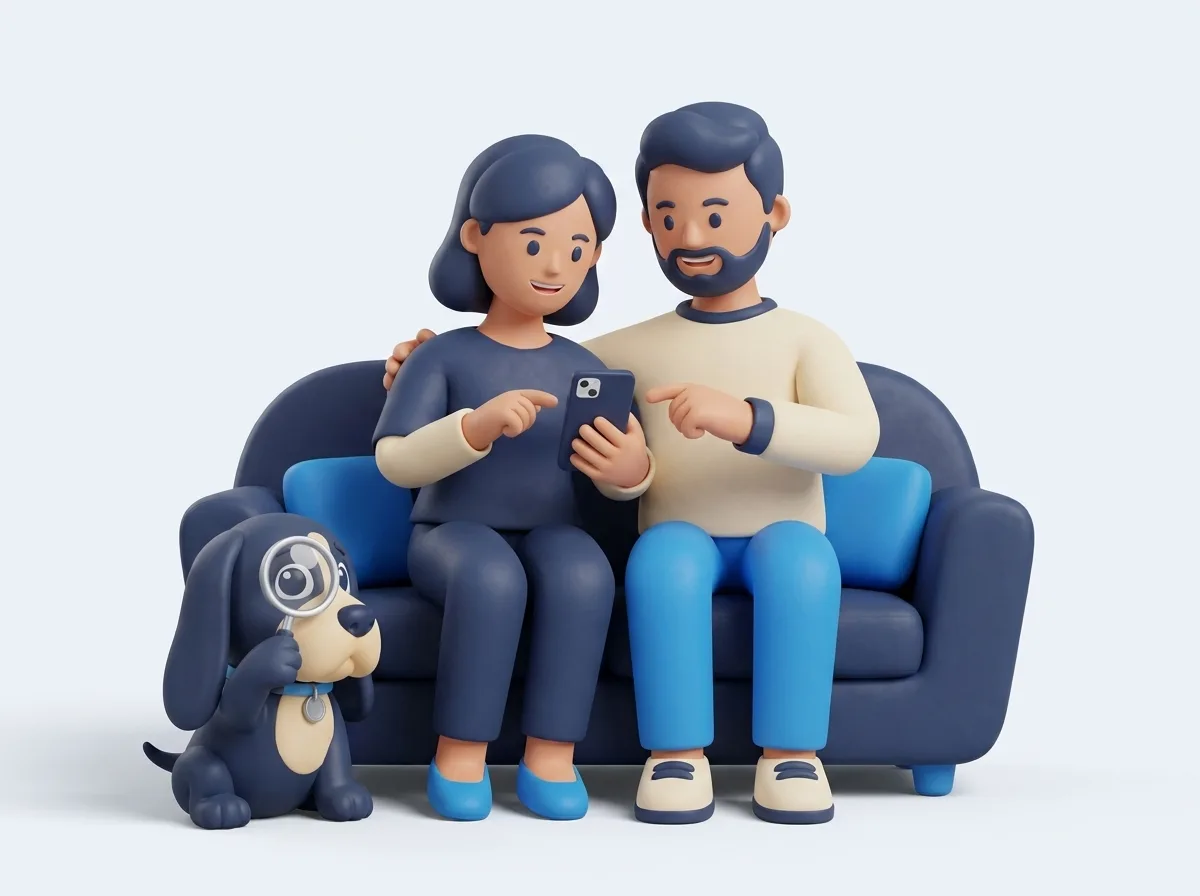
Hounds are bred to notice what everyone else walks past. Ours carries a magnifying glass, because every badge should come with its evidence.
Free, for Chrome, Microsoft Edge and Firefox.